What would your characters do if they could move?
Bring drawings to life in Adobe Animate, from a bouncing ball to your own character, then motion capture and After Effects. Twenty lessons with Jordan River, the artist behind Patchman.
Included with Creator · $77 a month or $649 a yearFrom a bouncing ball to your own character.
Most of the course happens in Adobe Animate. In thirteen lessons you learn frame by frame animation and tweening, animate the classic bouncing ball, draw and animate Patchman, then design, shade and lay out a character of your own.
The Animate module ends with your own character, fully animated.
Two shorter modules follow. In 2D Motion Capture you animate characters in Adobe Character Animator, from Starter mode to Pro mode. In Compositing | After Effects you start working with masks, layer styles, effects and 3D space.
What you will make move.
This is built for you.
New to Animation
You have never opened Adobe Animate. The first lesson covers the basics of the program, and the bouncing ball comes before any characters.
Artists Who Want Movement
You already draw and want your characters to move. If you would like the drawing fundamentals first, Art and Design covers them.
YouTubers & Storytellers
You want a character for your channel or your story. Adobe Character Animator might be one of the easiest ways to start animating one, and the motion capture module shows you how.
Patchman Fans
You grew up with Spirit Science and want to see how Patchman is drawn and animated. Jordan shows you, step by step, in Adobe Animate.
What's Included
Every lesson in the course, in order. Tap a lesson to see what it covers.
Self-Paced · Access While a Creator Member
Meet your guide.

Jordan River
Jordan River is the creator of Spirit Science and the artist behind Patchman, Patch Tarot and the world of Elixir, with years of experience in animation, illustration and video production.
In 2D Animation he takes you through Adobe Animate, Character Animator and After Effects, with lessons built around drawing and animating Patchman and a character of your own.
Animate at your own pace.
The lessons are pre-recorded and open to you while you are a Creator member. There are no deadlines. Watch a lesson, try it in your own file, and come back for the next one when you are ready.
Your Questions, Answered
{{ item.a }}
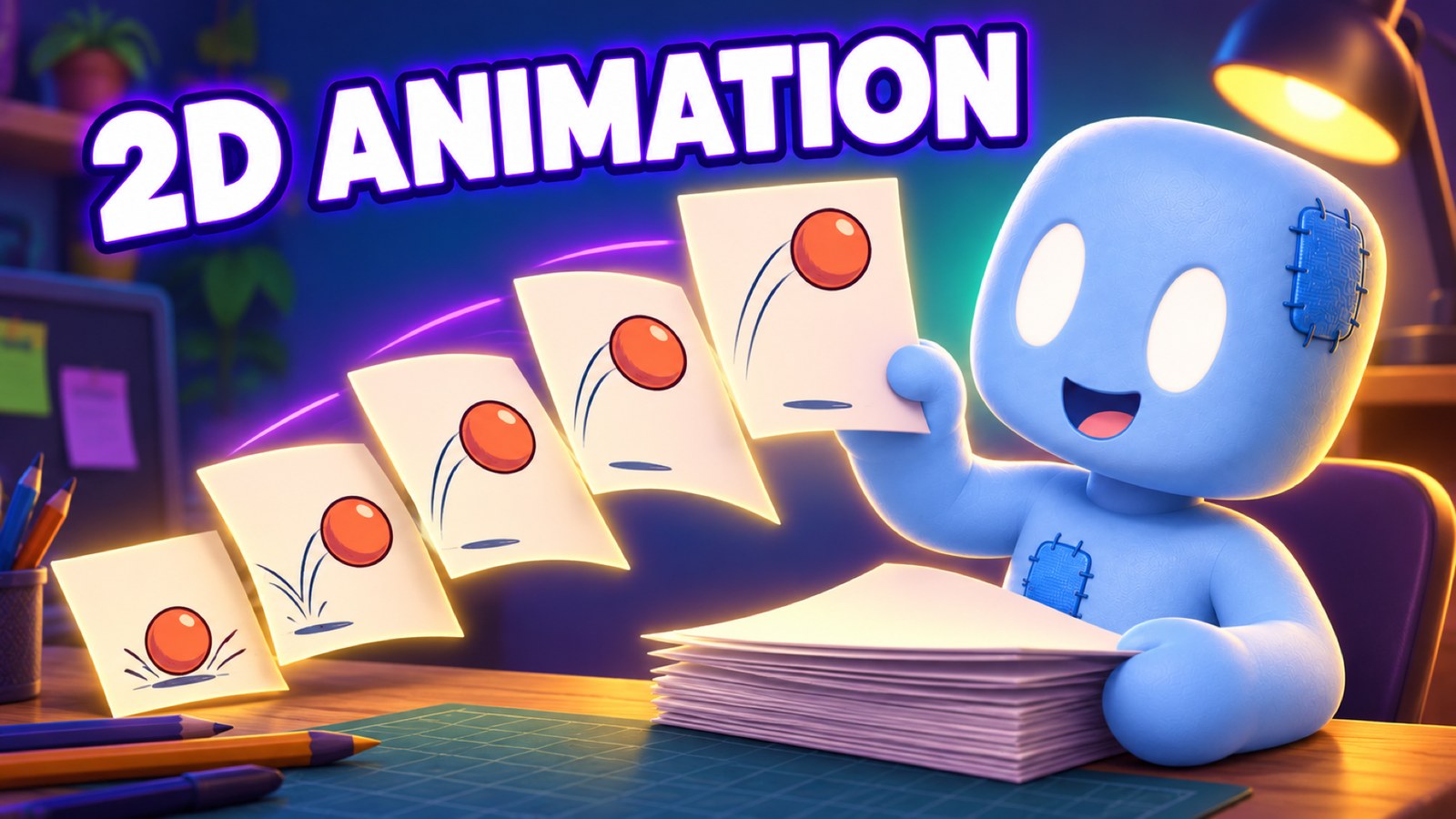
Start with a bouncing ball. Finish with your own character, moving.
Become a CreatorNot ready to join yet?
Leave your email and hear about new courses and live gatherings. Unsubscribe anytime.